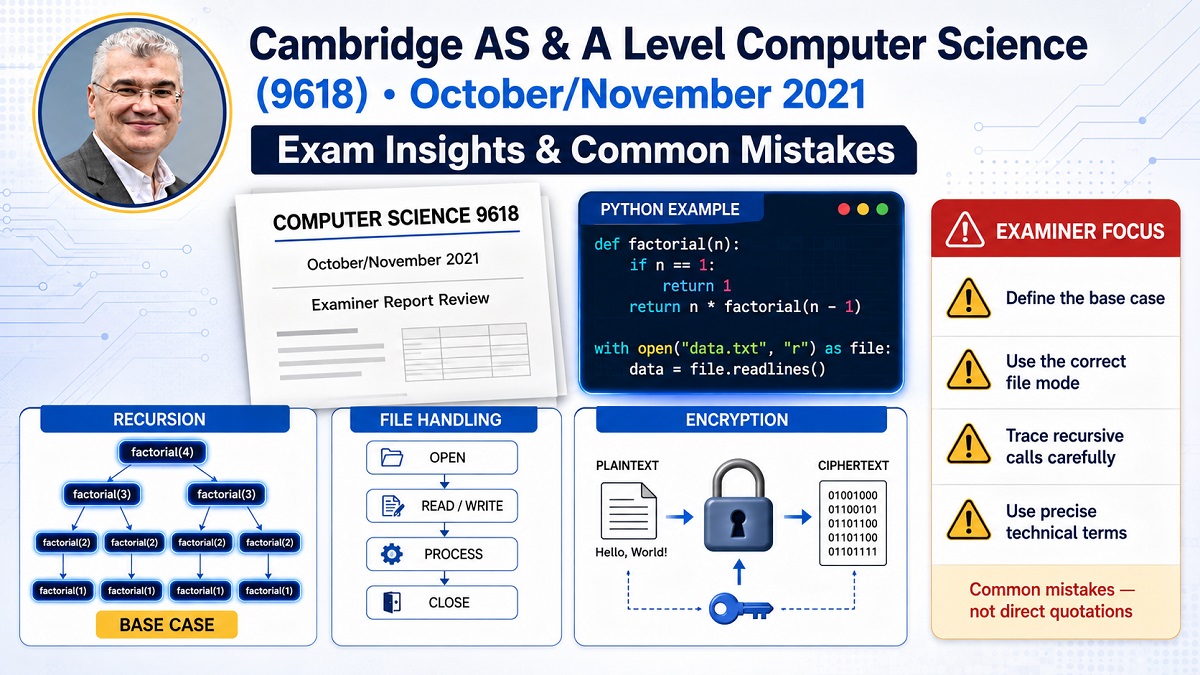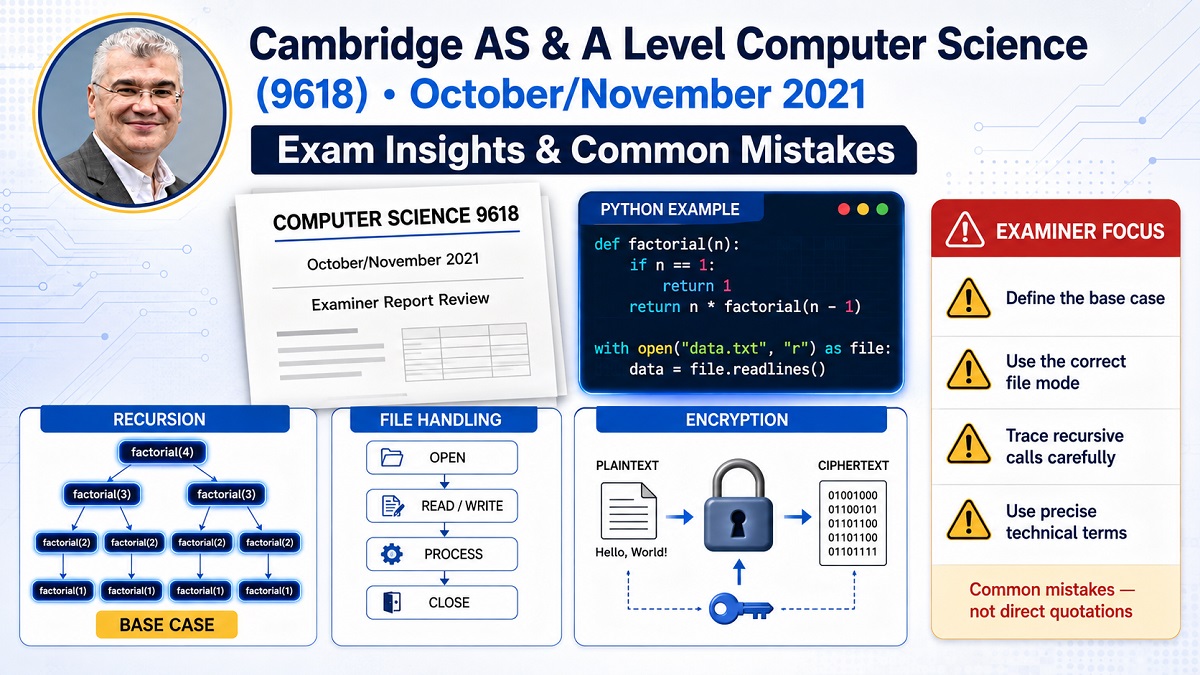

IGCSE / A-Level Computer Science: Why Hash + Seek Alone Fails in Random Access Files (Python Example)
Random Access Files Explained for IGCSE and A-Level Computer Science
Random access files are a key topic in file handling and data storage topics in Cambridge IGCSE A-Level Computer Science. They allow a program to retrieve a record directly from a file without reading the entire file sequentially.
In sequential file processing, records are read one after another until the required data is found. This can be inefficient when files become large.
Random access files solve this problem by using file pointers and calculated addresses to jump directly to the required location in the file.
One common idea is to use a hash function combined with file seek operations to determine where a record should be stored in a file. While this appears to work in simple examples, it introduces several problems that computer science students should understand.
IGCSE A-Level Computer Science
Students are expected to understand:
-
sequential vs random access files
-
hashing for file addressing
-
collision problems
-
file pointer operations
The Python example in this article demonstrates how a hash function can generate an address in a file and how seek() moves the file pointer to that position.
Example Python Code
The following Python example demonstrates how hashing and file seeking can be used to store product objects in a binary file.
import pickle


class Product:

def __init__(self, name, price, expiration_date, is_dairy):

self.name = name

self.price = price

self.expiration_date = expiration_date

self.is_dairy = is_dairy


products = [

Product("Milk", 2.99, "2024-02-10", True),

Product("Cheese", 5.99, "2024-03-15", True),

Product("Bread", 1.49, "2024-02-05", False),

]


with open("random_access_data.dat", 'wb') as file:

for product in products:

address = abs(hash(product.name)) % 1000

print(product.name, address)

file.seek(address)

pickle.dump(product, file)
The program calculates a file address using a hash function and then moves the file pointer to that location before storing the object.
How the Code Works
Step 1: Creating Product Records
The program defines a Product class that stores information about products.
Each product includes:
-
name
-
price
-
expiration date
-
dairy indicator
Objects of this class represent individual records that will be stored in the binary file.
Step 2: Generating an Address with a Hash Function
The following line calculates a file address:
address = abs(hash(product.name)) % 1000
This operation:
-
Calculates a hash value from the product name
-
Converts the value to a positive number
-
Restricts the result to a range of 0–999
This number is then used as a file position.
Step 3: Moving the File Pointer
The seek() method moves the file pointer to a specific location.
file.seek(address)
This allows the program to write data directly to a calculated position in the file rather than writing sequentially.
Step 4: Storing the Object with Pickle
The pickle module converts the object into binary data.
pickle.dump(product, file)
This process is called serialization.
Serialization allows complex Python objects to be stored in files and later reconstructed.
Reading Data from the File
To retrieve a product, the program repeats the hash calculation and seeks to the corresponding address.
search_product_name = "MilkCoff"

search_address = abs(hash(search_product_name)) % 1000


with open("random_access_data.dat", 'rb') as file:

file.seek(search_address)

retrieved_product = pickle.load(file)
If a valid object exists at that location, it is loaded using pickle.load().
Why Hash + Seek Alone Does Not Work Reliably
Although the example appears to work, it contains several fundamental problems.
These issues are important concepts in IGCSE and A-Level Computer Science exams.
Problem 1: Hash Collisions
Different product names can produce the same hash address.
Example:
Milk → address 245
Bread → address 245
If two records map to the same address, one record overwrites the other.
This is called a hash collision.
Real systems use techniques such as:
-
open addressing
-
chaining
-
bucket storage
to manage collisions.
Problem 2: Variable Record Size
Objects stored using pickle.dump() do not have fixed sizes.
For example:
Milk record → 120 bytes
Cheese record → 140 bytes
If two records start at nearby positions, they may overlap in the file and corrupt each other.
Random access files normally require fixed-length records to avoid this problem.
Problem 3: Python Hash Randomization
Python intentionally randomizes hash values between program executions for security reasons.
This means:
hash("Milk") today ≠ hash("Milk") tomorrow
If the program is restarted, the calculated addresses may change and the stored records may no longer be retrievable.
Why the Code Appears to Work
The example works temporarily because:
-
the file contains very few records
-
collisions are unlikely
-
the program is executed in the same runtime session
However, as the file grows or the program restarts, the method becomes unreliable.
Exam Tip for IGCSE and A-Level Students
In exam questions about random access files, remember:
-
hashing can generate addresses for records
-
collisions must be handled properly
-
records should have fixed sizes in random access files
-
file pointers allow direct access to records
Simply combining hash() and seek() does not guarantee correct file retrieval.
Exam Tip
In IGCSE or A-Level Computer Science exams, students may be asked:
-
why hashing alone cannot guarantee correct file access
-
how collisions occur
-
why fixed-length records are important
-
how file pointers are used in random access systems
Remember:
Hashing alone cannot guarantee unique addresses.
Collisions must be handled using additional techniques.
Conclusion
Random access files allow programs to retrieve data efficiently by jumping directly to specific file locations.
The Python example demonstrates how hashing and file seeking can be used to simulate random access storage. However, issues such as hash collisions, variable record sizes, and unstable hashing make this method unreliable for real systems.
Understanding these limitations helps students appreciate how real databases and file systems manage data through indexing, collision handling, and structured storage techniques.
Related Videos
Random Access Files Explained
https://www.youtube.com/watch?v=0qvYtXH8F0k
Hash Tables Explained
https://www.youtube.com/watch?v=shs0KM3wKv8
File Handling in Python
https://www.youtube.com/watch?v=Uh2ebFW8OYM
Related Reddit Discussions
Understanding hash collisions in programming
https://www.reddit.com/r/compsci/
Python file handling questions
https://www.reddit.com/r/learnpython/
External Sources
Python Pickle Documentation
https://docs.python.org/3/library/pickle.html
Python File Handling Tutorial
https://docs.python.org/3/tutorial/inputoutput.html
Author Bio
Ahmed Elmalla is an ICT and Computer Science educator with over 19 years of experience in software engineering and international teaching. He teaches Cambridge IGCSE, A-Level, and AP Computer Science, helping students build strong foundations in programming, computational thinking, and digital skills.
Ahmed specializes in Python, Java, and beginner-friendly coding for younger learners, making complex technology concepts simple and engaging.
He has mentored students from more than 10 countries and brings real industry experience from AI, software engineering, and startup development into his teaching.
LinkedIn
https://www.linkedin.com/in/akelmalla
WhatsApp
https://wa.me/60194028484